Technical Documentation Automation for Small Engineering Teams
Automated signals from code changes can keep technical docs current without manual rewrites.
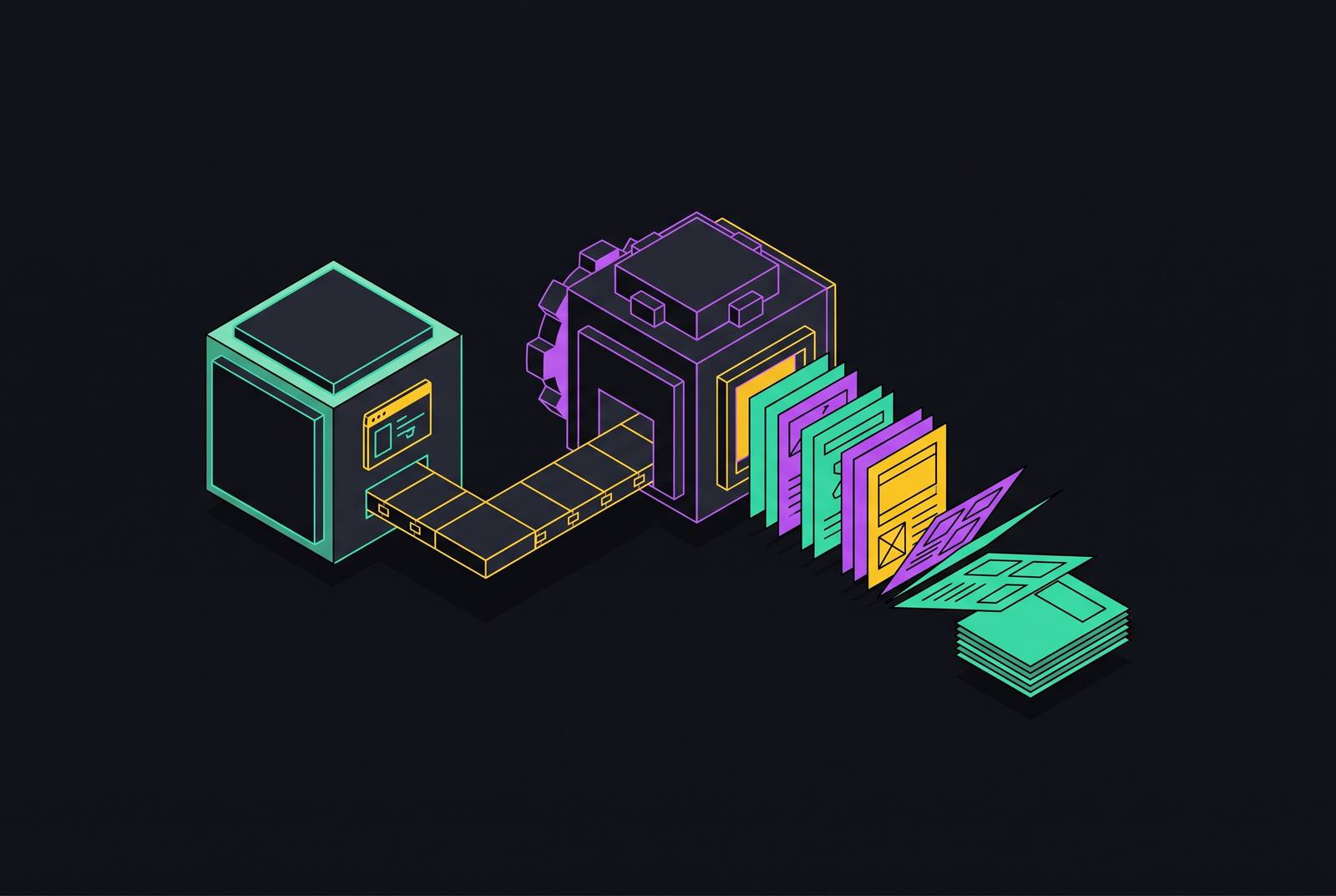
Small engineering teams now ship code through pipelines that build, test, and deploy it, and a human never touches a keyboard at any step along the way. Documentation still runs on the oldest workflow in software: someone has to remember to open the file and type. That mismatch, not a lack of effort or care, is why technical documentation for fast-moving teams falls out of date almost as soon as it's published.
Why Documentation Decays
The deployment pipeline is automated. The documentation pipeline is not. Code merges, tests run, and a release goes out, often within hours, while the page describing that feature sits untouched until someone notices it's wrong, usually a user or a confused teammate. The faster a team ships, the wider this gap grows, because velocity and documentation accuracy move in opposite directions when only one of them is automated.
The common assumption is that teams fail to document their work. That's rarely true. Most teams write accurate documentation at the moment a feature ships. Docs that were correct on Day 0 become stale by Day 90 because nothing in the standard workflow fires when the underlying code changes again. A pull request merges, an endpoint's behavior shifts, a parameter gets deprecated, and the documentation page describing the old behavior has no mechanism to know that it is now wrong.
If your team releases weekly or daily, especially with AI-assisted coding tools that speed up how fast features move from idea to production, this is a structural problem. The tooling that ships code has no counterpart that updates the words describing that code. That's a gap in the system, not a gap in discipline, and treating it as a people problem (more reminders, more process, more checklist items) misdiagnoses what's actually broken.
Why the ownership gap makes decay worse
Decay speeds up wherever ownership is diffuse. If a documentation page has no clearly assigned owner, it tends to stay exactly as it was written, because nothing in most workflows forces a change.
The common pattern in well-run teams is a division of labor: engineering produces the raw material, commit messages, ship logs, technical specs, and a product marketer or PM turns that material into language a customer can read. That division works only when both halves have a named person attached to them. Without an owner at each layer, release notes simply don't get published, because the raw material sits in a repository that the writer never looks at, and the writer has no process that tells them to look.
Small teams feel this acutely. The person writing the release notes frequently did not write the code, so they lack the context to know what changed or why anyone should care. Past a certain point, usually where the note-writer and the code-writer are no longer the same person, manual consistency breaks down, and no amount of process discipline can close that gap. The fix isn't adding more reviewers or more reminders to a calendar. The fix is building a system where the documentation update follows automatically from the code change itself, so the system carries the context that used to live only in one engineer's head.
What Docs-As-Code Solves
Docs-as-code is real progress. Tools like MkDocs let developers write documentation in Markdown, configured through a single YAML file, which puts documentation inside the same workflow, the same editor, and the same version control system that developers already use for code. That alone fixes a meaningful chunk of the old problem: documentation stops living in a separate wiki that nobody opens and starts living next to the code it describes.
What docs-as-code does not fix is the trigger. Version control solves provenance. You can see what changed, when it changed, and who changed it. But git history doesn't tell anyone that a change happened; it just records it after the fact. Someone still has to notice the pull request, decide that it affects a documentation page, and go open that file. Nothing about Markdown or YAML or a git commit forces that decision to happen.
That's the handoff point. Docs-as-code is a prerequisite for automation, because it puts documentation in a format a machine can read and modify reliably. It is not automation by itself. The next step is building a layer that watches for changes and decides, on its own, when a documentation update needs to happen.
Signals that should trigger a documentation update
A sustainable documentation pipeline doesn't start with a writing tool. It starts with a signal layer: a defined, specific list of events that mean something changed that a reader needs to know about.
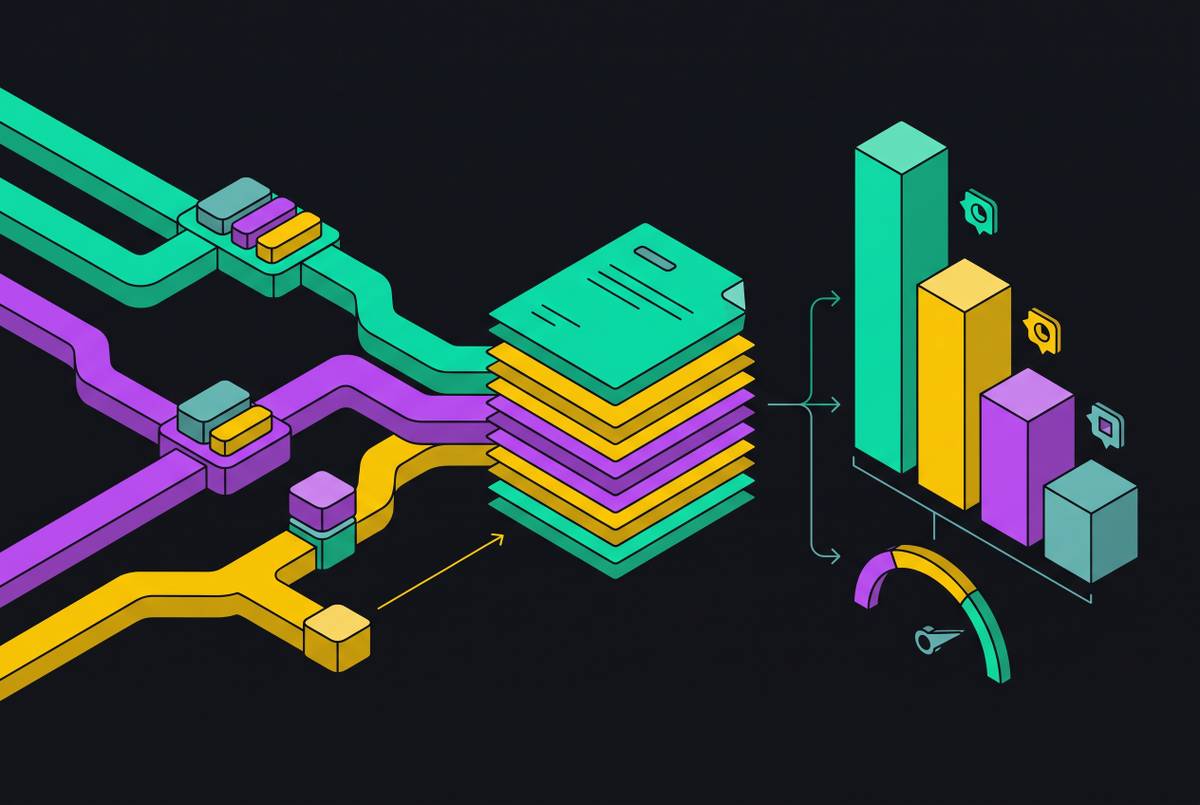
The strongest signals are the ones a team is already generating as a byproduct of normal work. A merged pull request is the canonical record of what changed in the codebase. A release or version tag marks the moment when a change becomes a fact for the end user. A diff in an API spec, a machine-readable interface definition file, is often the single most reader-impacting class of change for a developer-tool product, because it directly alters what a user's code needs to do. A Jira ticket moving to a new status can mark a scope or decision change that alters what the documentation ought to say. Regulatory or industry shifts, external to the codebase, sometimes change how a product has to be described, even when the code is unchanged.
Not every one of these events deserves a documentation update, and treating all of them as equally important wastes the team's limited review time. A dependency bump, a typo fix, or an internal refactor that changes nothing a user or developer encounters is noise. The mechanism that separates real signal from that noise is scoring: running each incoming change against the product's actual positioning, what it does, who it serves, what it promises, before anyone drafts a word.
For engineering-led teams, the GitHub API is the most actionable single data source you have. Merged PR data, release tags, and issue activity together form a behavioral record of what actually shipped, which is a meaningfully different thing from what was planned in a roadmap document or discussed in a standup.
The two documentation jobs that automation handles differently
Automation works better once a team stops treating "documentation" as one job and recognizes it as two: keeping developer-facing technical references accurate, and publishing user-facing changelogs and release notes. These are different audiences with different tolerances for error and different expectations of tone, and they call for different levels of machine involvement.
For developer-facing material, API references, inline code comments, README files, and technical specs, full automation tied directly to merged PRs and spec diffs works well. The audience values precision over polish, and because the underlying source material, code and specs, is already structured, a machine can process it without much ambiguity. A function signature either changed or it didn't; an endpoint either now returns a new field or it doesn't. Tone has little room to go wrong because there's little tone involved.
User-facing changelogs and release notes call for a different approach: automated drafting paired with human editorial review. Full automation here carries real risk, because a changelog entry can be technically accurate and still miss the reason a user should care, or it can be cold or confusing in tone to someone outside engineering. Tools built for this maintenance layer, such as Sync-o, illustrate the right scope for automation in this space: rather than rewriting an entire Confluence page, Sync-o makes surgical, section-level updates when a linked Jira ticket moves to Done. So it preserves whatever human-authored context already exists on the page while keeping the facts current.
A related mistake, common among small teams, is conflating this maintenance job with a third one entirely: producing SEO and developer-marketing content. Internal docs and API references serve engineers who are trying to solve an immediate problem. Marketing content serves prospects who are trying to decide whether to adopt the product. If you write both as though they're the same task, you get content that fits neither audience well.
A signal-driven documentation pipeline end to end
A signal-driven documentation pipeline treats publishing as a software delivery problem, applying the same principles that already govern CI/CD: scheduled runs, defined workflow execution, output validation, deployment to more than one destination, and logging of what happened at each step.
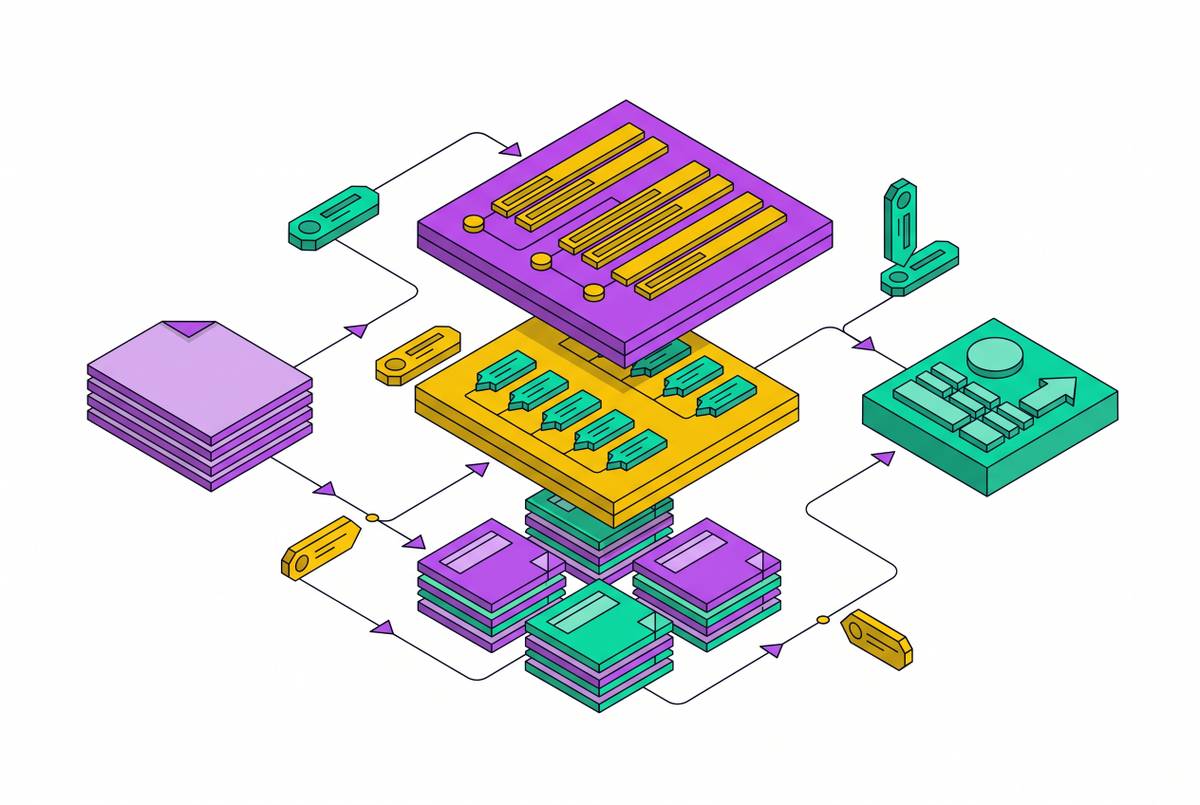
The architecture breaks into four stages. Signal ingestion pulls from merged PRs, release tags, API spec diffs, and whatever other source types a team configures, running on a schedule or triggered by a webhook the moment an event occurs. Scoring and filtering then evaluates each incoming change against the product's positioning, discarding anything that doesn't rise to the level of a real update before a single word gets drafted. Drafting takes what survives that filter and generates a documentation update or changelog entry, using the structured source material, the commit message, the diff, the spec change, as the brief for the draft. A quality gate then reviews that draft, whether by a human, by an automated check, or both, before anything publishes; skip this stage and an otherwise well-built system eventually turns into a spam generator that publishes noise with confidence.
The pipeline can run in two modes. In one, a human approves each output before it goes live. In the other, the full path from signal to published entry runs without anyone touching it. Which mode fits depends on the audience and the team's own appetite for risk: developer-facing API references, scored against structured source material, tolerate the unattended mode reasonably well, while user-facing release notes generally call for the human checkpoint, given how much tone and framing matter to that audience.
The changelog as a developer marketing asset
A changelog built on a signal-driven pipeline tends to develop three properties almost automatically: it publishes on a regular cadence, it describes specific real changes rather than vague summaries, and it stays grounded in work that actually shipped instead of editorial filler invented to fill a weekly slot.
Those three properties are also what make a changelog valuable as a marketing asset. A well-run public changelog drives SEO traffic over time, helps surface features that might otherwise go unnoticed, builds trust with prospects who want to know the product is actively maintained, and keeps paying off long after the week you published it.
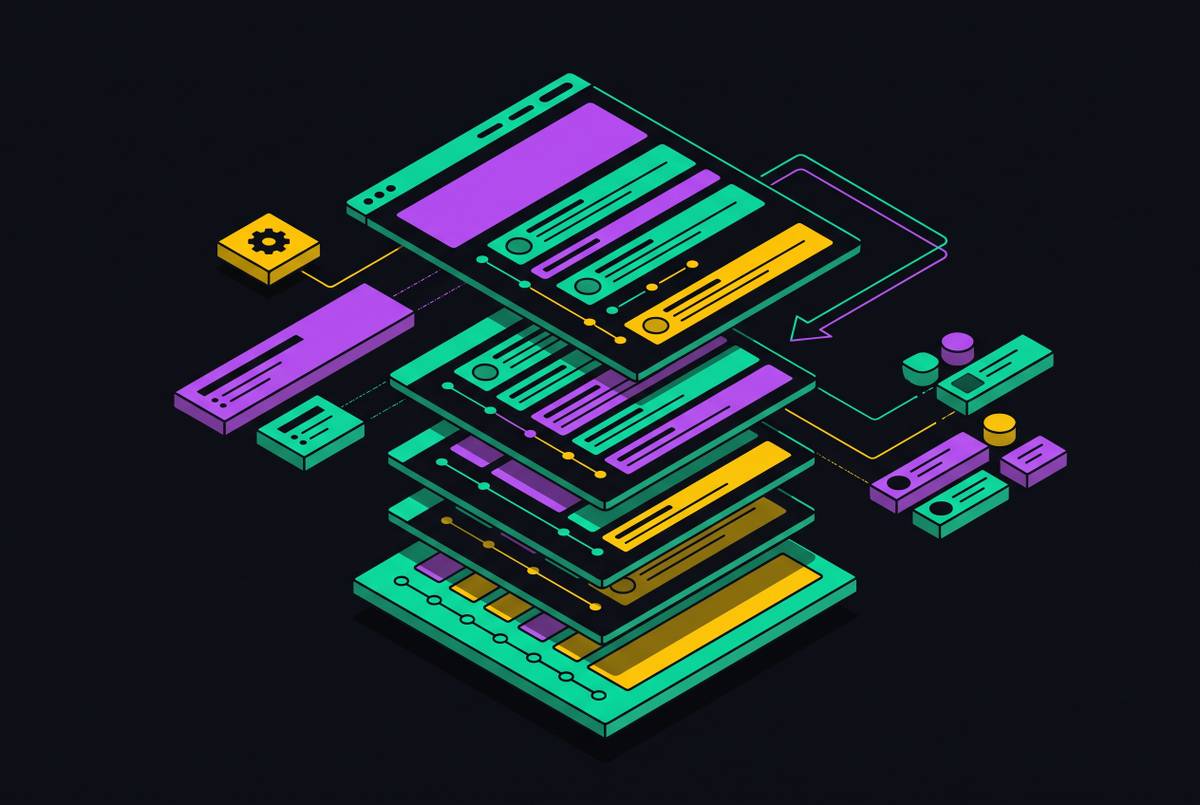
The clearest way to get multiple outputs out of one signal source is a three-layer model. The first layer is the CHANGELOG.md file in the repository itself, following the Keep a Changelog standard with its categories of Added, Changed, Deprecated, Removed, Fixed, and Security, written for a developer audience and citing specific file paths and technical detail. The second layer is a weekly email or summary that draws from the same underlying source but reframes it around user-facing changes, citing user actions and visible outcomes. The third layer is a newsletter or blog post, again built from the same source material and reframed once more around user impact, written for prospects and a broader audience who have no interest in the code itself.
Linear's changelog illustrates this in practice: visual-first entries, usually built around a single polished screenshot or short clip per change, published on a cadence somewhere between weekly and biweekly, with concise two- to three-sentence descriptions. What a signal-driven pipeline adds to an approach like this is consistency: the same voice, the same format, the same level of detail on every single entry, because every entry comes out of the same process regardless of which engineer happened to merge the underlying code.
Why AI agents reading your docs require automated structure
A new category of reader has turned documentation quality into a reliability concern. AI coding assistants and customer-facing support agents now fetch changelogs and API references directly and at scale, and when those systems pull wrong information, no one files a support ticket to flag the error. The developer on the other end just receives bad guidance and acts on it, with no human in the loop to catch the mistake before it causes a problem.
These agents also truncate aggressively. A changelog entry that runs several sentences long often gets reduced to its first sentence or two by the time an answer engine quotes it back to a developer. That makes the habits that always helped human readers scan a page, a crisp one-sentence summary at the top of each entry, consistently typed categories, stable URLs, and predictable structure, into the exact factors that determine what an AI system surfaces as the answer. Get the first sentence wrong or inconsistent, and that's what gets repeated to whoever asked.
Signal-driven pipelines happen to produce this kind of structure by default. A scored PR merge or a spec diff generates an entry, and that entry carries the same metadata, the same categories, and the same format as every other one, because the same automated process produces all of them instead of whatever structure a given writer felt like using that week. Solving the maintenance problem with this automation also makes the documentation machine-readable, without any additional work required to do so.
Choosing documentation tools that fit into a signal-driven pipeline rather than replacing it
When you evaluate a documentation tool, the right question is which pipeline stage a given tool is built to serve, since creation tools and maintenance tools solve different problems and you shouldn't judge them by the same checklist.
The market has sorted into a few distinct categories that line up with the stages described above. Create-on-demand tools generate net-new documentation from a pull request, a Jira ticket, or a direct prompt, which suits Day 0 documentation of a brand-new feature well. Continuous sync and maintenance tools watch live signals and apply targeted updates to pages that already exist, and this is the category built to solve the Day 90 decay problem described at the start of this piece. Governance and staleness-detection tools flag pages that have drifted out of sync with current ticket status, or that haven't been touched within a defined window. Hosting and publishing tools serve documentation to both human readers and AI systems in the right structure, whether that's Markdown, RSS, or an llms.txt file built for agents to consume.
It supports n8n integration and MCP for coding assistants including Cursor, Claude, and ChatGPT, through a remote MCP server (the earlier local client package has been deprecated), and it's priced across Professional, Enterprise, and Unlimited tiers with a free trial available.
No single tool covers every stage of the pipeline described in this piece: the pipeline is the architecture, and the tools are the components that slot into it, so a team evaluating options should ask where in that four-stage flow, ingestion, scoring, drafting, quality gate, a given tool actually sits, rather than expecting one product to replace the whole system.